Adding the Iris University Certificate to your LinkedIn Profile
Last updated: November 5, 2025
To add your certificate to your LinkedIn profile:
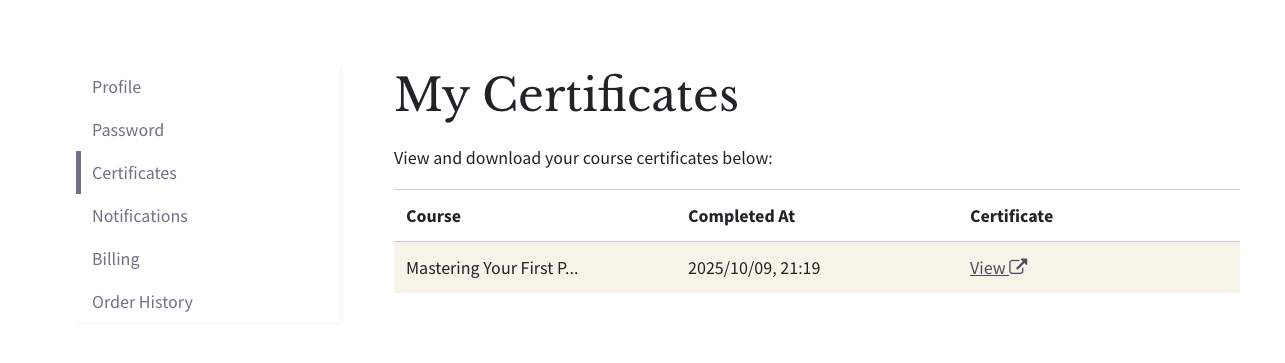
Copying the URL and Certificate ID within Thinkific (click View to open the certificate).
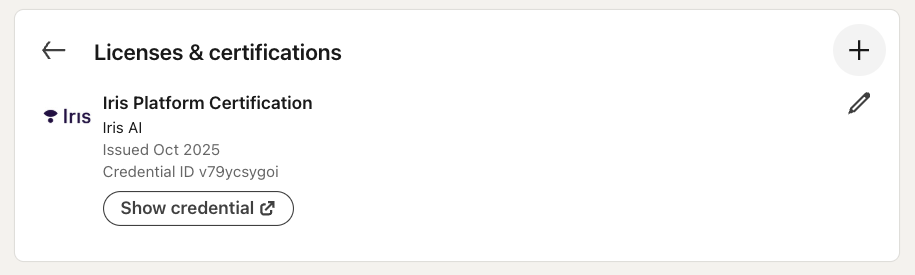
Clicking the + button within Licenses and certifications on your LinkedIn profile
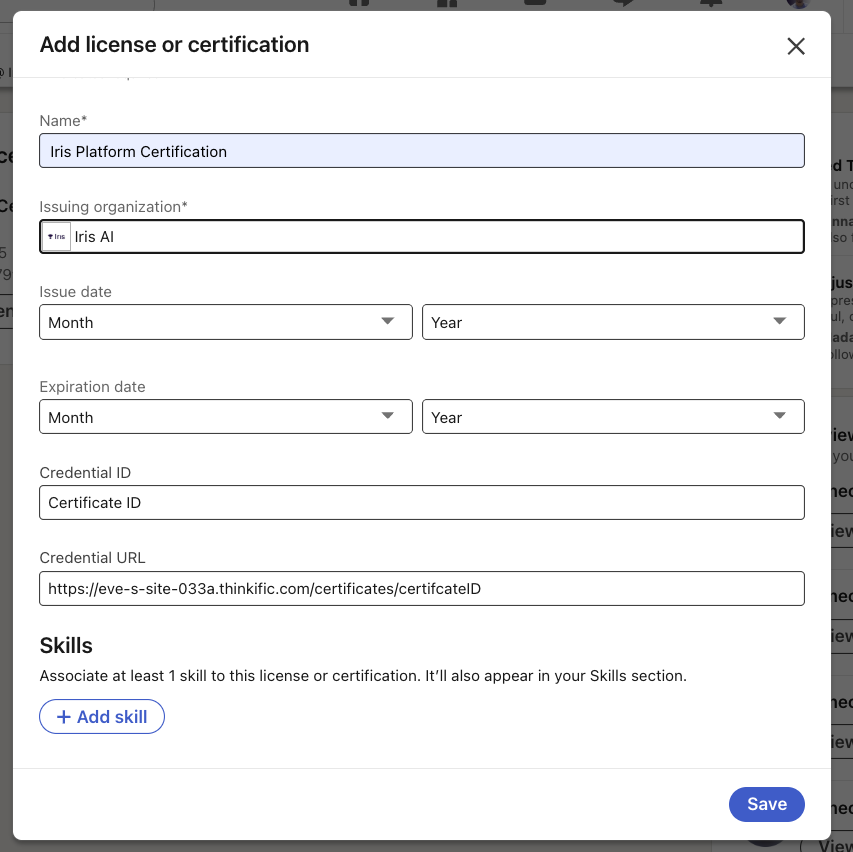
Paste in the URL and Certificate ID. Fill out the rest of the fields and hit Save.