Ask Iris
Last updated: March 25, 2026
Check out a video showing how to use Ask Iris in-app 👇
Empower your team to access institutional knowledge with Ask Iris.
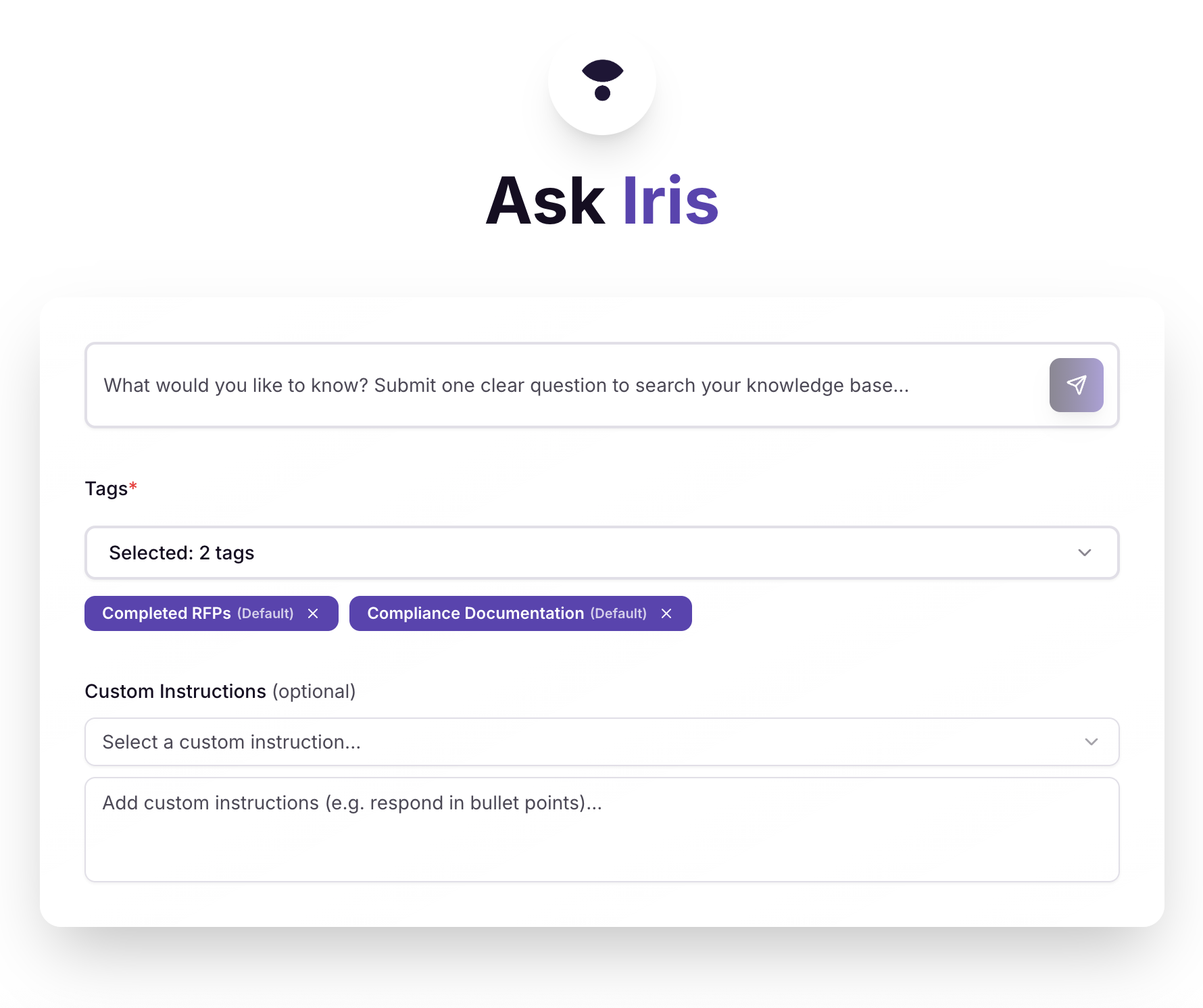
Using Ask Iris
Ask your question- Type something specific, like:
"What are our competitors' key differentiators?"
"What personal data do we collect?"
Apply tags- If your question relates to a specific Product, Vertical, Region, Integration, or other category, select the relevant tag(s) to narrow the context.
Choose a Custom Instruction (optional)- Select an instruction to shape the style, length, or tone of your answer.
Submit- Press Enter or click the search button.
Review your answer- Iris searches the knowledge map and returns a context-specific answer along with a confidence score.
Improve Knowledge Map- Not satisfied with an answer? Click Edit & Add to Knowledge Map, make your changes, then click Add to Knowledge Base. Your updated answer will be used as a source for future searches.
Don't like an answer? Click Edit & Add to Knowledge Map to edit the response and hit Add to Knowledge Base to finalize. Future searches will now use that answer as a source.