Iris Release Notes — April 30th, 2026
Last updated: May 4, 2026
This week: the RFP Analyzer got a major upgrade, your Knowledge Map got smarter, and a handful of bugs quietly got squashed.
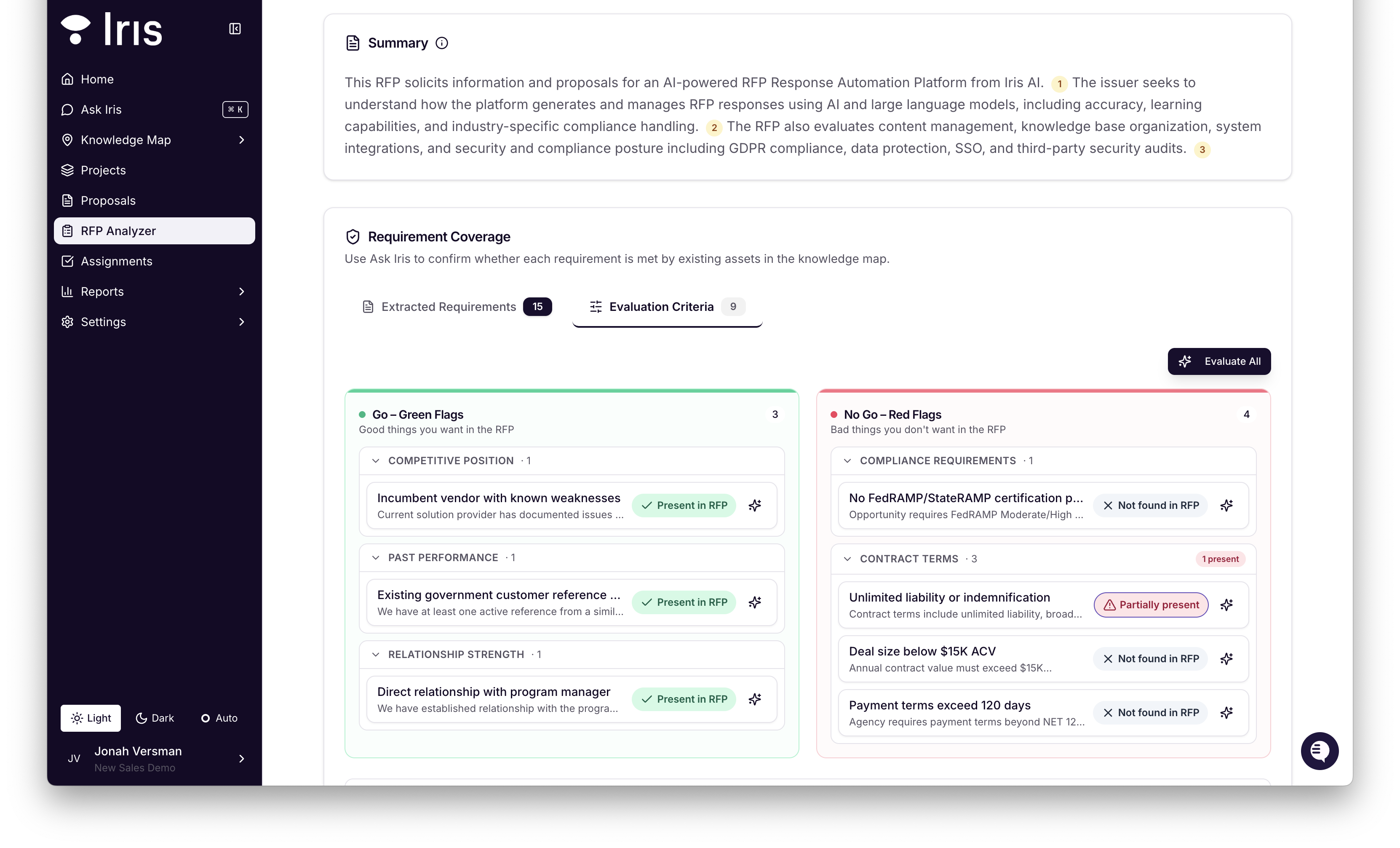
RFP Analyzer — UI upgrade
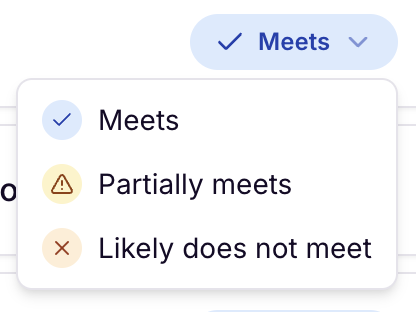
Smarter status scoring: Requirements now land in one of three buckets — Meets, Partially Meets, or Likely Does Not Meet — instead of a blunt pass/fail.
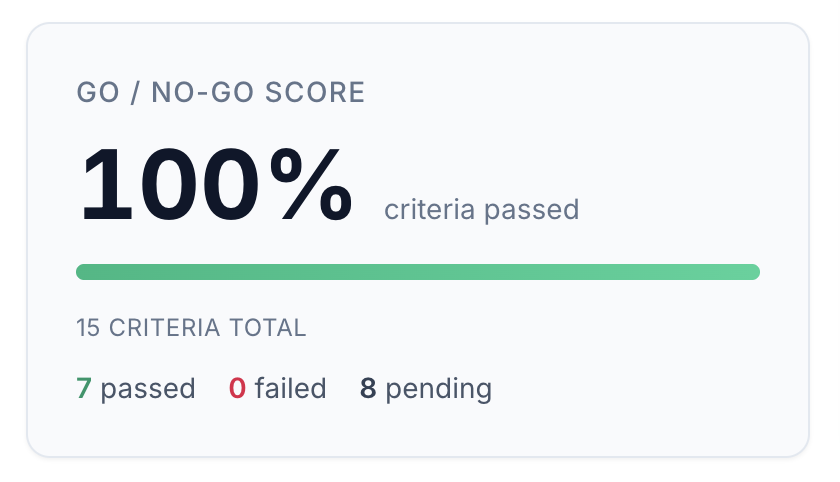
Qualification chart: At the top of every analysis, a visual go/no-go score gives you an instant read on deal health before you've read a single line.
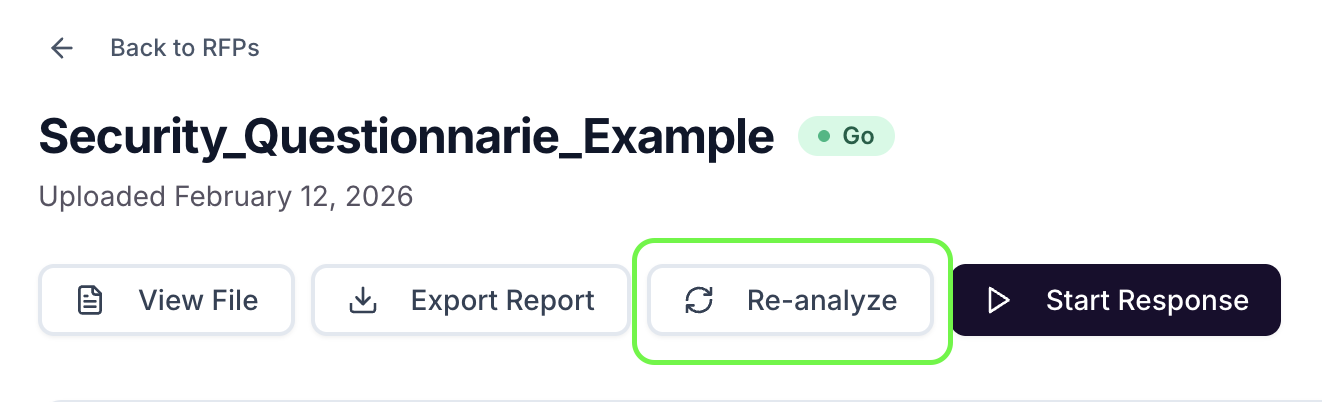
Analyzer Presets: Admins can now save tag and prompt configurations and reapply them on re-analyze.
Competitor signals panel: Iris now surfaces competitor mentions from inside the RFP automatically. Know who you're up against before you write a single word.
Salesforce panel: Linked Salesforce opportunity interactions and attachments now appear directly in the RFP view. No more tab-switching between Iris and Salesforce to get context.
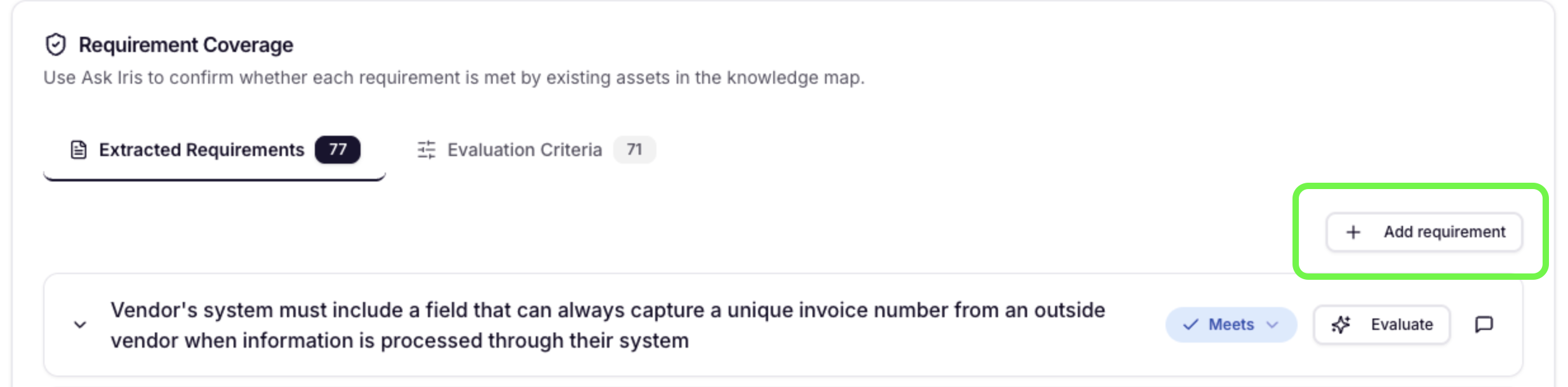
Manual requirements: If Iris missed something, you can now add requirements yourself via + Add requirement.
No-go recommendation banner: When disqualifying requirements are detected, a banner surfaces automatically.
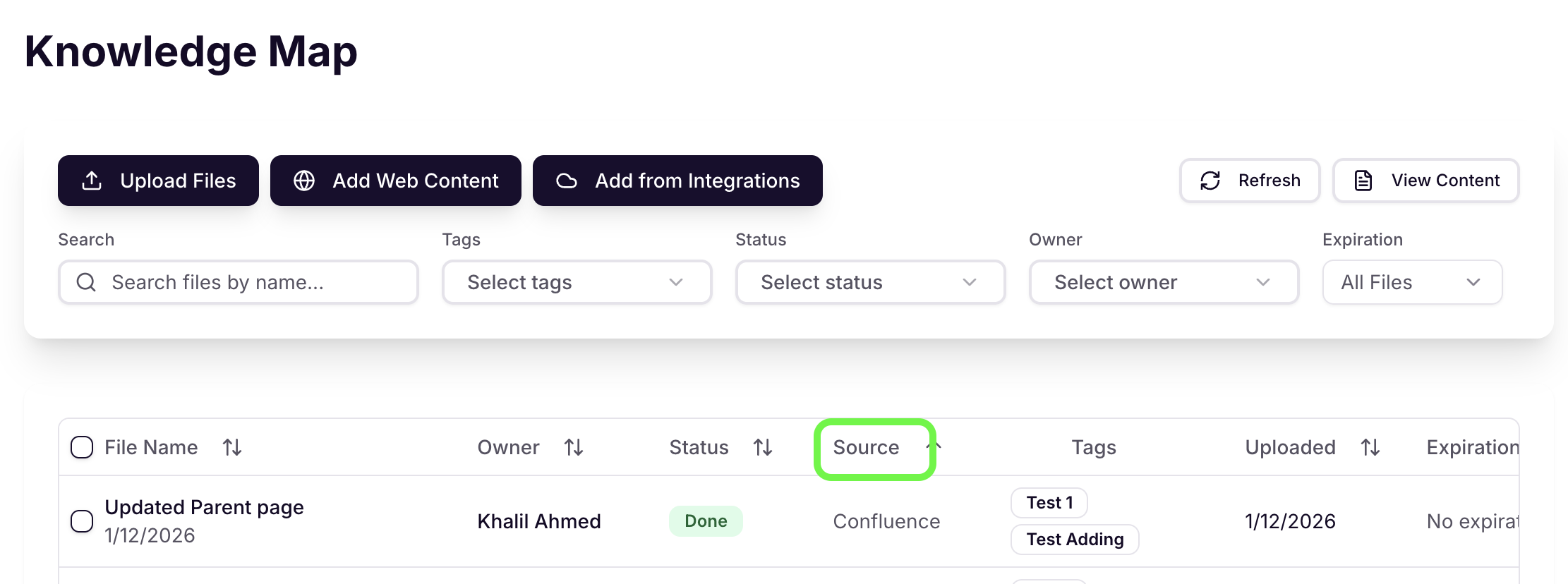
Knowledge Map — Source Column
A new Source column shows whether each file came from Google Drive, SharePoint, the Web, direct upload, etc.
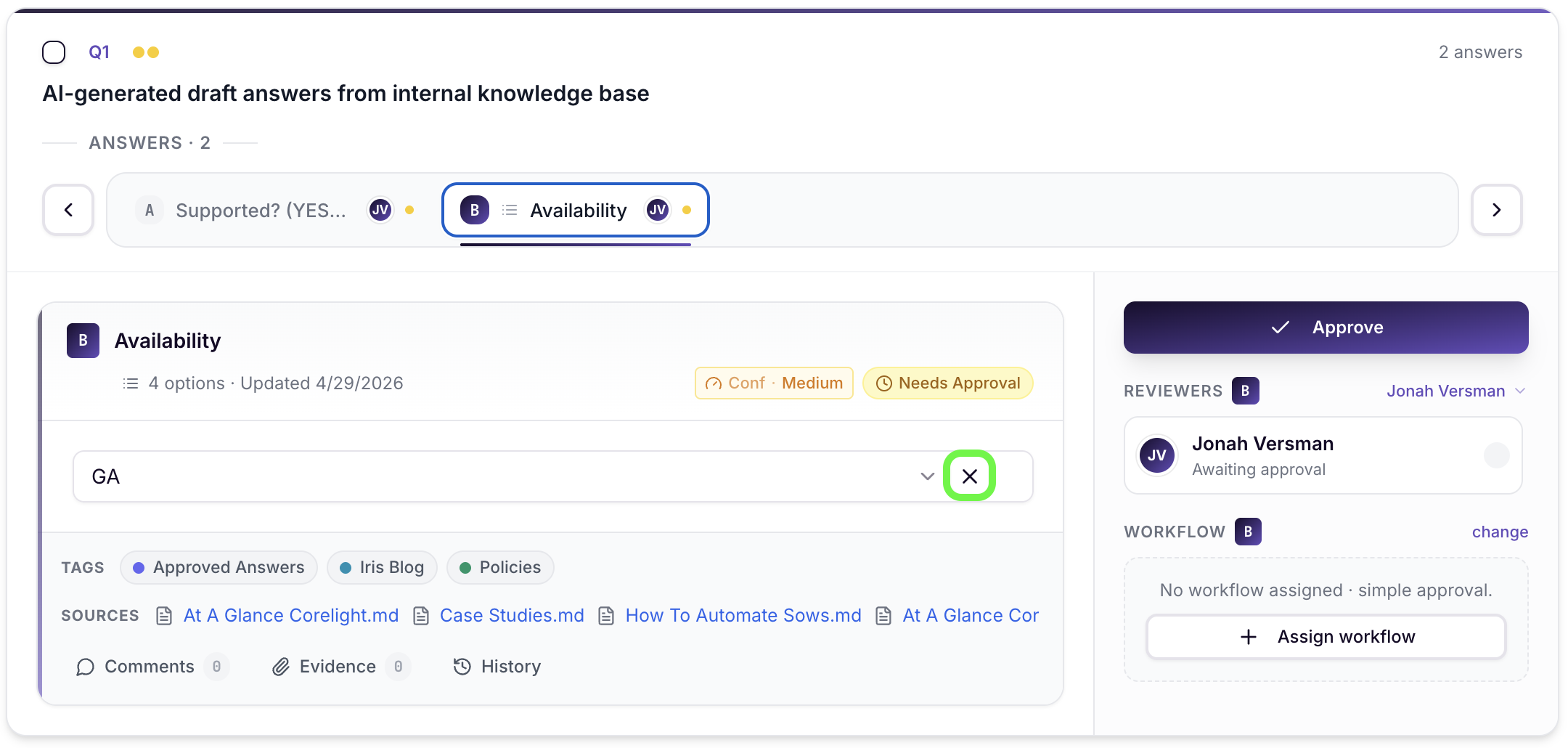
Answer Selector — Clear Option
Answer selector drop-downs now have a × clear button so you can unset a previous answer and leave one blank.
Bug Fixes
Assignments — Bulk "Reassign Questions" wasn't firing email or Slack notifications to new assignees. Notifications now send correctly.
Answer Generation — Deselected citations are always excluded when regenerating individual answers.
Assignments — The assignee filter was showing questions that had already been reassigned away. Filter is now accurate.
Bulk Actions — Bulk tag update was showing an "Update Failed" toast even when it succeeded. Toast only fires on a real failure now.
Projects — Editing project metadata was blocked if the deal close date was in the past. Metadata edits are now always allowed.
Projects — Selecting the blank option in the Project Content Details Modal now clears correctly.
Export — Improved how preview renders questions, answers, and sections.
Performance — Context extraction was slow on large response files. Now roughly 2× faster.
Excel — Sheet names with trailing whitespace were causing silent failures on Annotate. Whitespace is now trimmed automatically.
Export — The "Export" button was getting cut off in the Export modal when a template was selected. Modal is now scrollable.
Question Extraction — Improvements made to question extraction for pdf and docx files