Iris Release Notes -- July 9th 2026
Last updated: July 9, 2026
New Features
Salesforce Knowledge Base Articles
You can now pull Salesforce Knowledge Base articles into Iris as a Knowledge Map source. Note: You will need to reconnect your Salesforce Integration to access Knowledge files.
Salesforce Widget Connection Warning
The Salesforce widget now checks your Iris <--> Salesforce connection before you upload a file. If the connection isn't active, you'll see a clear warning up front instead of a project quietly failing to create.
Redesigned Project Review Panel
The review panel has a new layout. You'll now see the full question text, and Citations, Comments, Evidence, and History are organized into tabs — no more scrolling through one long panel to find what you need.
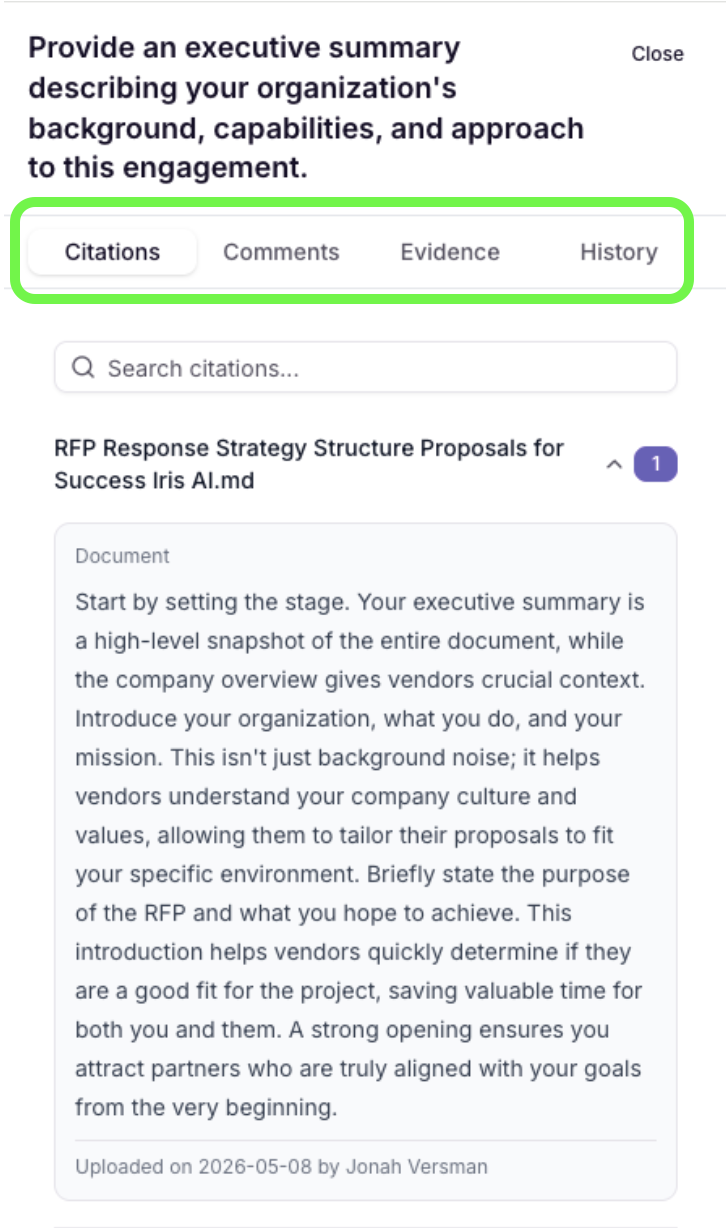
Row Context on Question Cards
For projects imported from Excel, the surrounding row context captured during import can now appear directly on the answer card. Reviewers no longer need to open Regenerate → Context to see it. Contact your Iris CSM if you want this turned on.
Command K Assistant Polish
Command K now scrolls as one unified region, automatically scrolls to your answer when generation finishes, and shows a checkmark on the send button once a response is ready.
Assignments & Answer Editor Updates
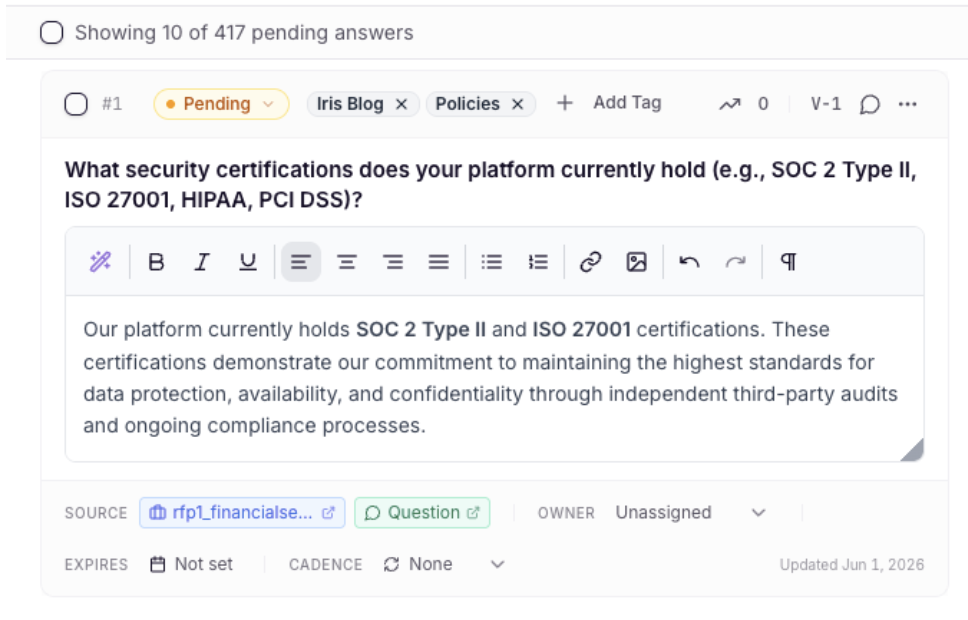
The rich-text toolbar now adapts smoothly to narrow screens, Rewrite with AI is available from the Assignments Edit & Approve modal, and project links in Assignments views are greyed out for users without project-view permission, so it's clear what you can open.
Faster Guided Interview
The guided interview now responds noticeably faster.
Smarter Export Defaults
The export dialog now defaults to the format that matches your project's original file — Excel projects default to XLSX, and Word or PDF projects default to DOCX — instead of always defaulting to CSV.
Larger Proposal Uploads
Proposal content uploads now support files up to 75 MB. Autosave has also been hardened so a large save no longer locks the editor, and DOCX downloads are faster.
Ask Iris Character Limit & Counter
The Ask Iris query limit is now 3,048 characters, matching custom instructions. The character counter only appears once you're near the limit, and if you go over, you'll see a clear warning instead of your text being silently cut off.
Bug Fixes
Clearer Answer Placement Labels: DOCX answer-placement preview indicators now read "[Section Name], Q# will be inserted here," matching the sidebar's per-section numbering, so it's easy to see exactly where each answer will land.
Manual Annotate on Merged Cells: Selecting a merged question or answer cell during manual annotate now creates a single annotation, as expected.
Knowledge Map Auto-Sync Callout: Clicking anywhere in the weekly auto-sync callout now works reliably — the Knowledge Map page no longer becomes unresponsive.
Bulk Regenerate Protects Approved Answers: Bulk regenerate now skips Approved and Tentatively Approved answers so your finalized work stays intact, and the confirmation modal shows how many answers in your selection will be skipped.
Salesforce Opportunities Table: The sticky table header on the Salesforce opportunities table now stays cleanly in place while you scroll.
Ready to give it a try? Sign in to your Iris workspace and get started!