Iris Release Notes — August 3, 2026
Last updated: August 3, 2026
New Features
Section locking for proposal templates
You can now lock specific sections of a proposal template while leaving the rest editable. For PPTX templates, this works slide by slide, so reps can edit the content they own without touching locked boilerplate.
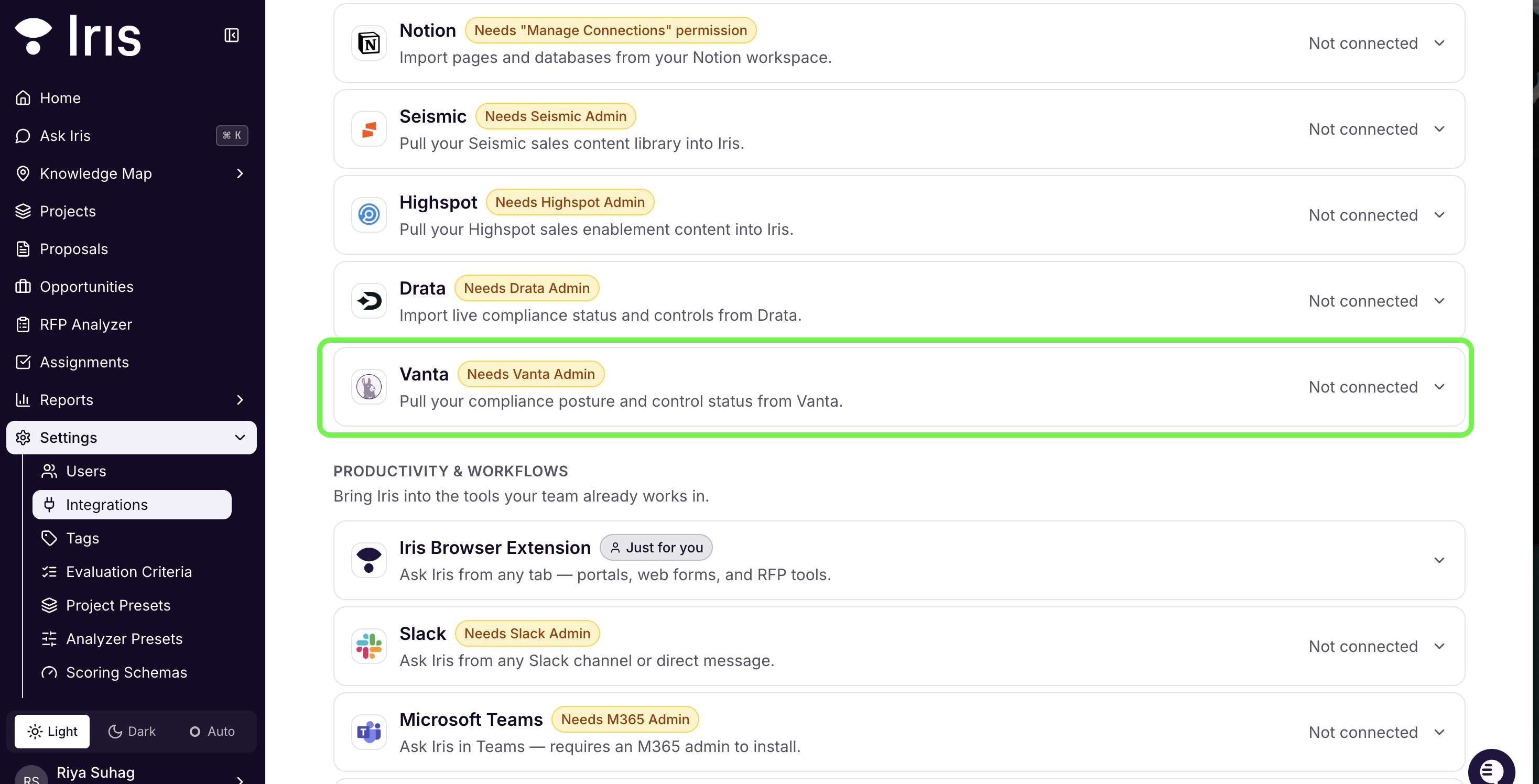
Vanta Trust Center integration
Connect your Vanta Trust Center to browse, filter, and import documents straight into Iris.
Knowledge Map Files panel
The Files panel is now organized into tabs, and integration cards have a "Go to Files Manager" shortcut. Files brought in through non-auto-sync imports are also stamped with their source, so you can always tell where something came from.
Improvements
Approved Answers can now be filtered by Deal Owner
Approved Answers can now be exported
Google Drive now has folder-first browsing, multi-folder sync, and new sync health/diagnostics
Bulk "Assign" now unions with existing assignees instead of overwriting them
Bulk Regenerate can now be scoped on a per column basis
Missing-info placeholder answers are now excluded from exports and the Approved Answers Library, with click-to-clear and instant Approve gating
Bug Fixes
Org admins can now suppress new-user invite emails.
GovSpend company-summary lookups are now anchored on your org's actual name, which returns more accurate matches.
Confluence browsing no longer times out for customers with large Confluence sites.
Non-standard DOCX files now normalize correctly before preview and export.
Rejected and Answer Pending questions are no longer mislabeled as Needs Review.
Fixed blank citation boxes in the RFP Analyzer's Extracted Requirements tab.
DOCX-imported answers now land in the correct answer box.
Fixed an aggregation issue that was inflating deal counts and sizes on the deal leaderboard.
Restored answer retrieval after a change that had caused approved answers to be skipped.
Hardened Ask Iris streaming with input sanitization, attachment authorization, and request idempotency.
Ready to give it a try? Sign in to your Iris workspace and get started!