Iris Release Notes — August 6, 2026
Last updated: October 8, 2026
New Features
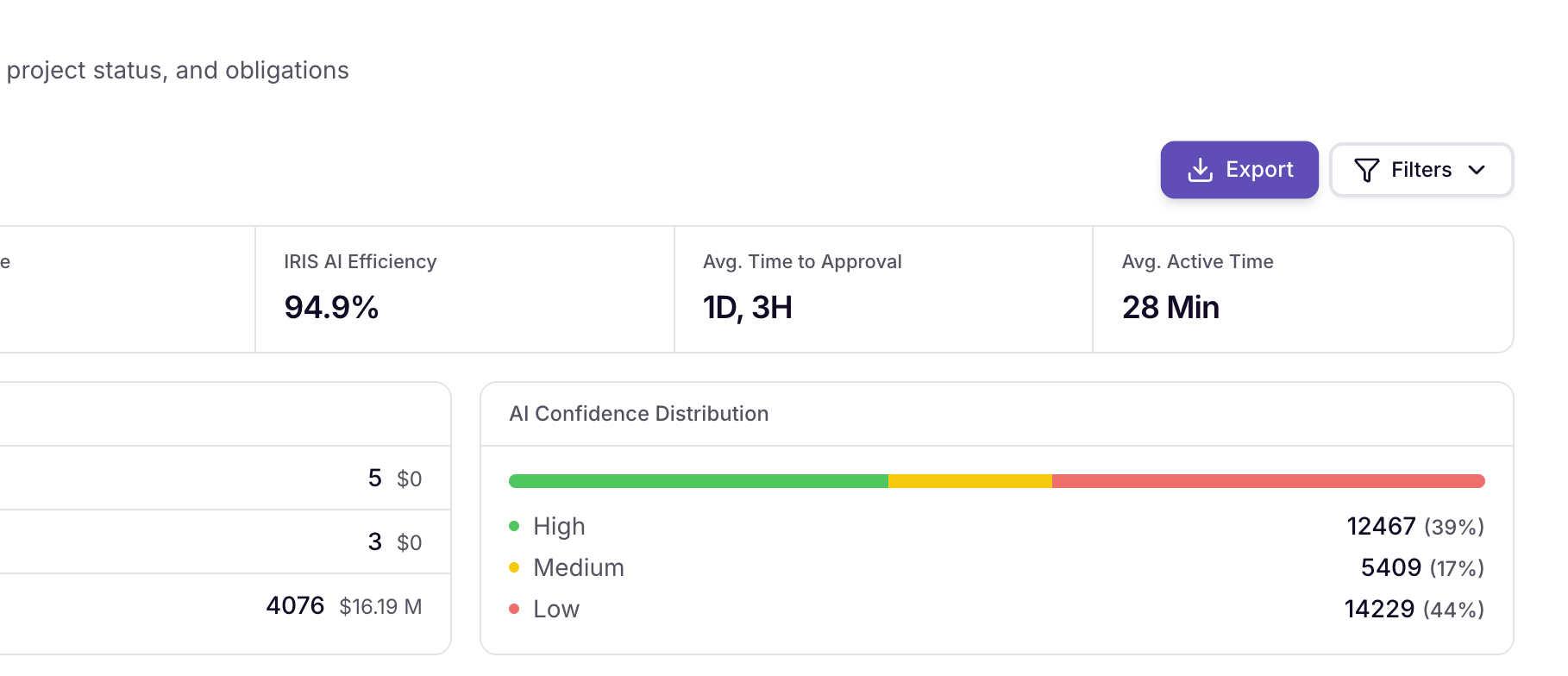
Export Reports to Excel
You can now export Reports straight to Excel, and the export respects whatever filters you've already applied — no need to re-slice the data once it's out.
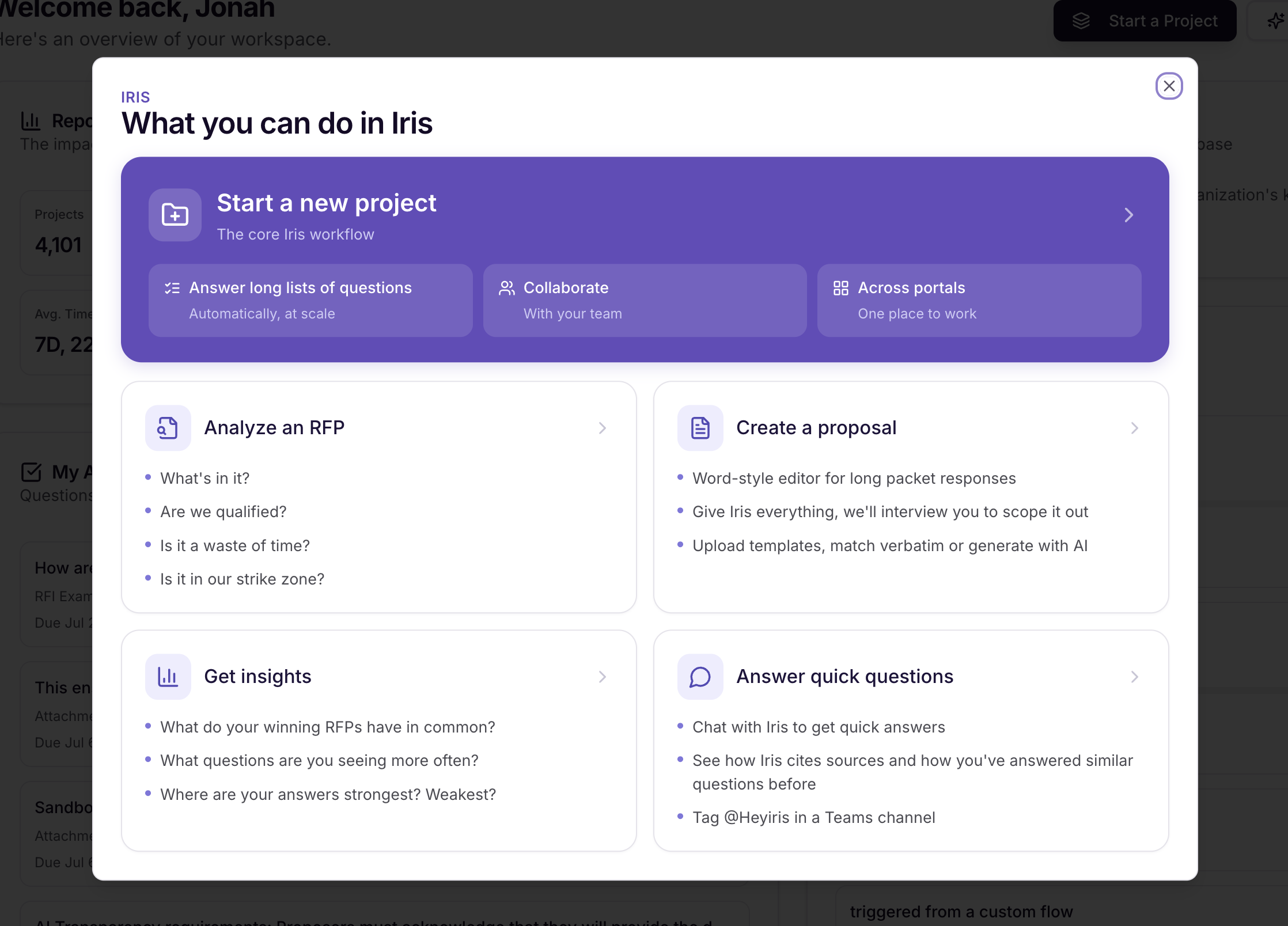
Get Started
Quick links for first-timers can now be found on the Home Page by clicking "Get Started"
Updates and Enhancements
Branded Word exports and richer answer formatting
Word exports can now use your company's branded template, with support for tables, headings, and text formatting — including formatting on links. The answer editor supports the same: tables, all heading levels, and text formatting.
Salesforce Knowledge: folder browsing and multi-field mapping
You can now browse Salesforce Knowledge articles by data-category folder instead of scrolling one long list, and map multiple content fields per article so more of the source content makes it into Iris.
Higher character limits in Ask Iris
Questions, instructions, and Custom Instructions now support up to 5,048 characters, so longer prompts and more detailed instructions fit without trimming.
Clearer crawl selection
The Knowledge Map crawl banner now tells you which pages were selected, instead of just showing a count.
Bug Fixes
Report deal sizes — Deal sizes in Reports were being multiplied by the number of files uploaded to a project. They now show the correct value.
Dead-tag answer visibility — Approved answers whose tags had all been deleted are now treated as untagged and show up in your library again.
"My RFPs" filter — The "My RFPs" toggle now filters the projects list itself, not just the stats scorecard. This also corrects the RFP workbench qualification rate and pagination total.
Tag chip formatting — Tag chips containing an ampersand were displaying "&" instead of "&".
RFP Analyzer tag selector — Removed a misleading "(required)" label from the tag selector.
Scoring template renamed — The built-in scoring template is now labeled "Iris Template."
Ready to give it a try? Sign in to your Iris workspace and get started!
Questions? Reach out to your CSM or email support@heyiris.ai.