Slack
Last updated: April 2, 2026
Curious how Ask Iris works in Slack? Check out the demo video here.👇
Integrating Slack and Iris
Integrate Slack with Iris for streamlined task management and query resolution, enabling your team to leverage Iris directly within Slack.
Adding Iris to a Slack Channel:
Have your Slack admin set up the integration
Go to your desired Slack Channel
Type
/invite @HEYIRIS.AIand hit Send
IMPORTANT: The Slack bot won't work unless you @HEYIRIS.AI to the channel!
Ask Iris via Slack:
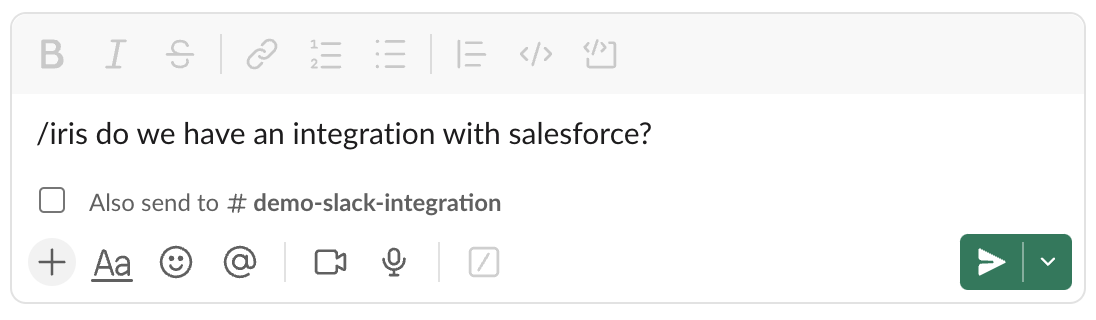
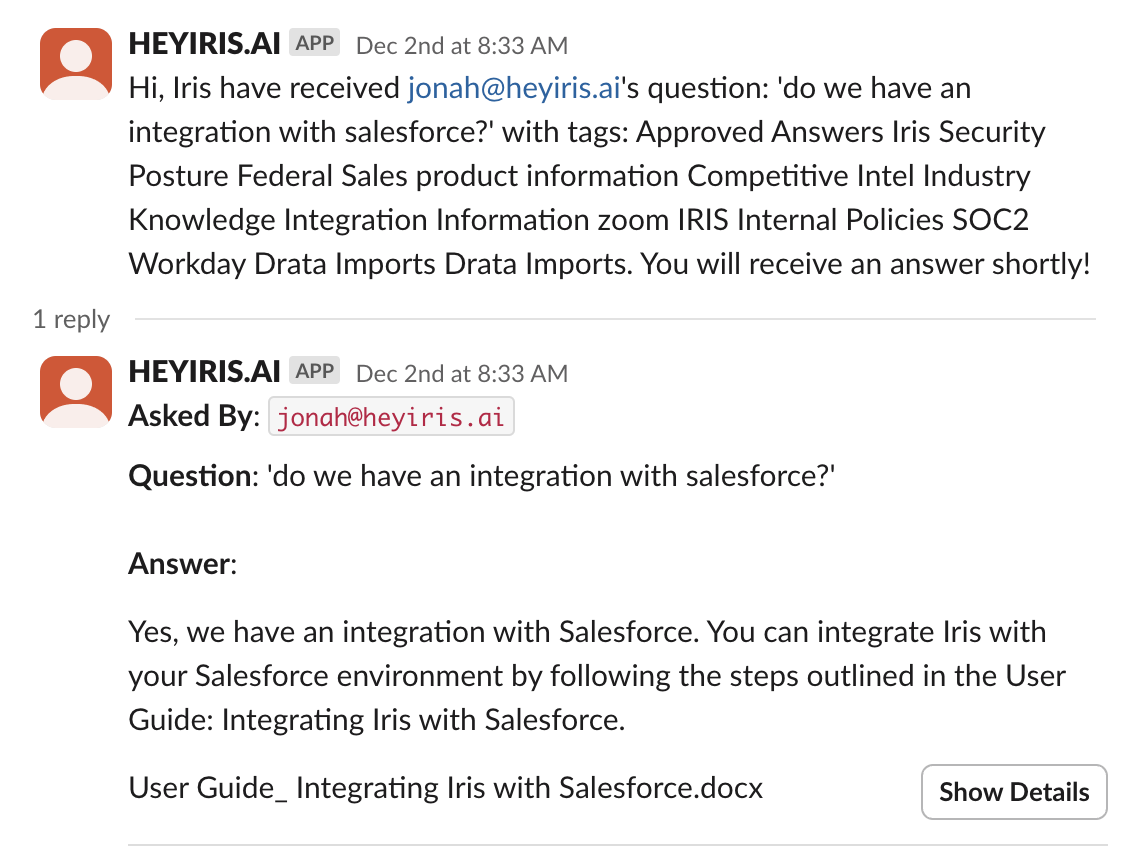
Use the /iris command in any Slack channel to query the knowledge base directly.
Example: /iris Does our solution support in-memory computing?
Query:
Iris Response:
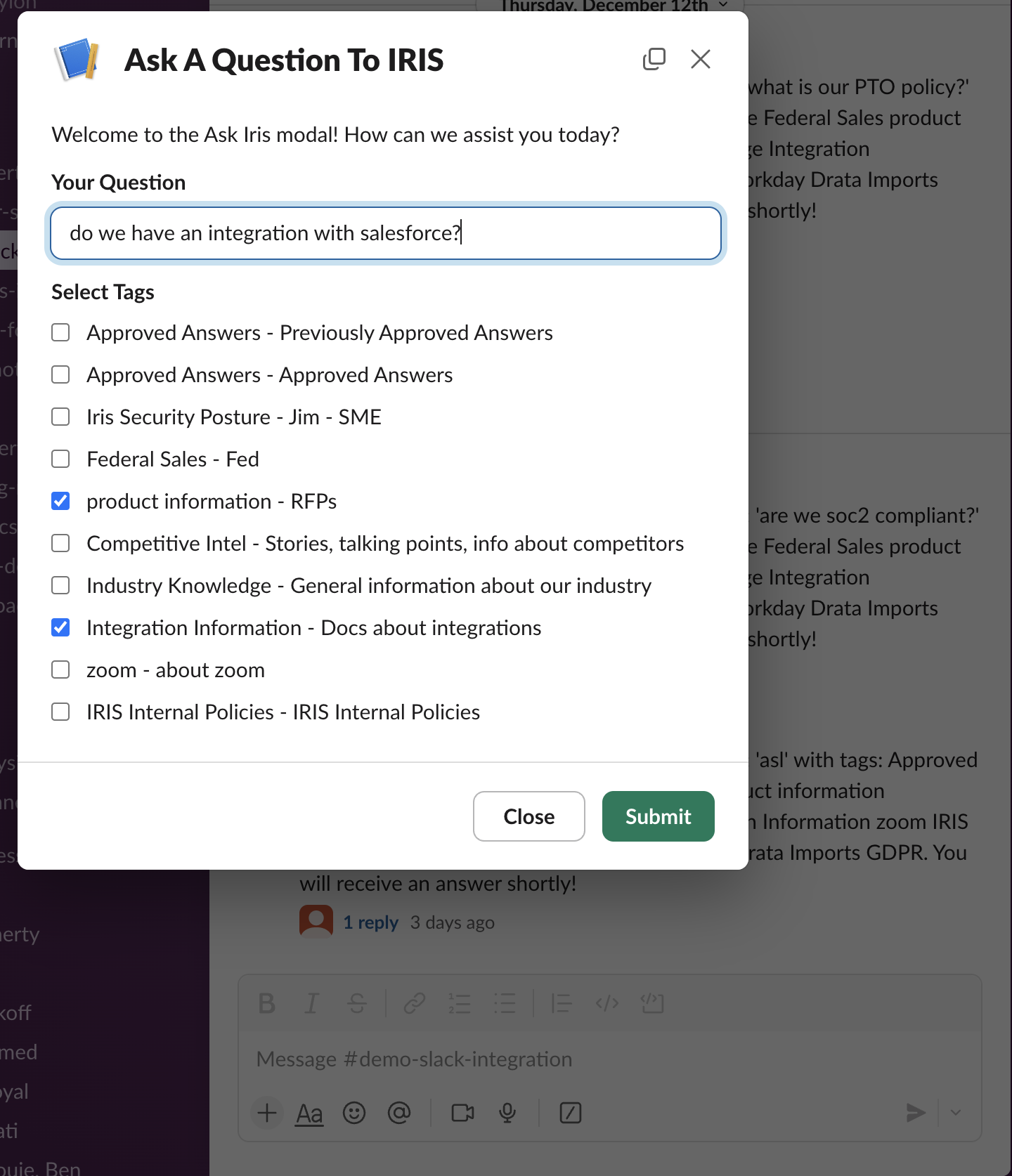
Use the /iris ask command to refine your results by adding specific tags to your queries.
Example: /iris ask
In the modal, select your tags, type a question, and hit Submit
Here's how to set it up
Access Settings
Log in to heyiris.ai.
Select Settings from the left-hand menu, then go to the Integrations tab.
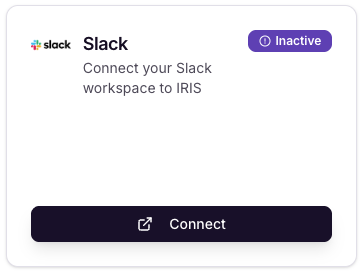
Connect Slack
Locate the Slack Integration option and click Connect.
If prompted, log in to your Slack account.
If you are not a Slack admin:
Wait for your Slack admin to authorize the Iris integration.
After authorization, repeat the steps above to proceed.
Authorize Iris in Slack
Click Allow to grant Iris access to your Slack workspace.
A success message will confirm that the integration is complete.
Test the Integration
Open a Slack channel, enter /invite @heyiris.ai
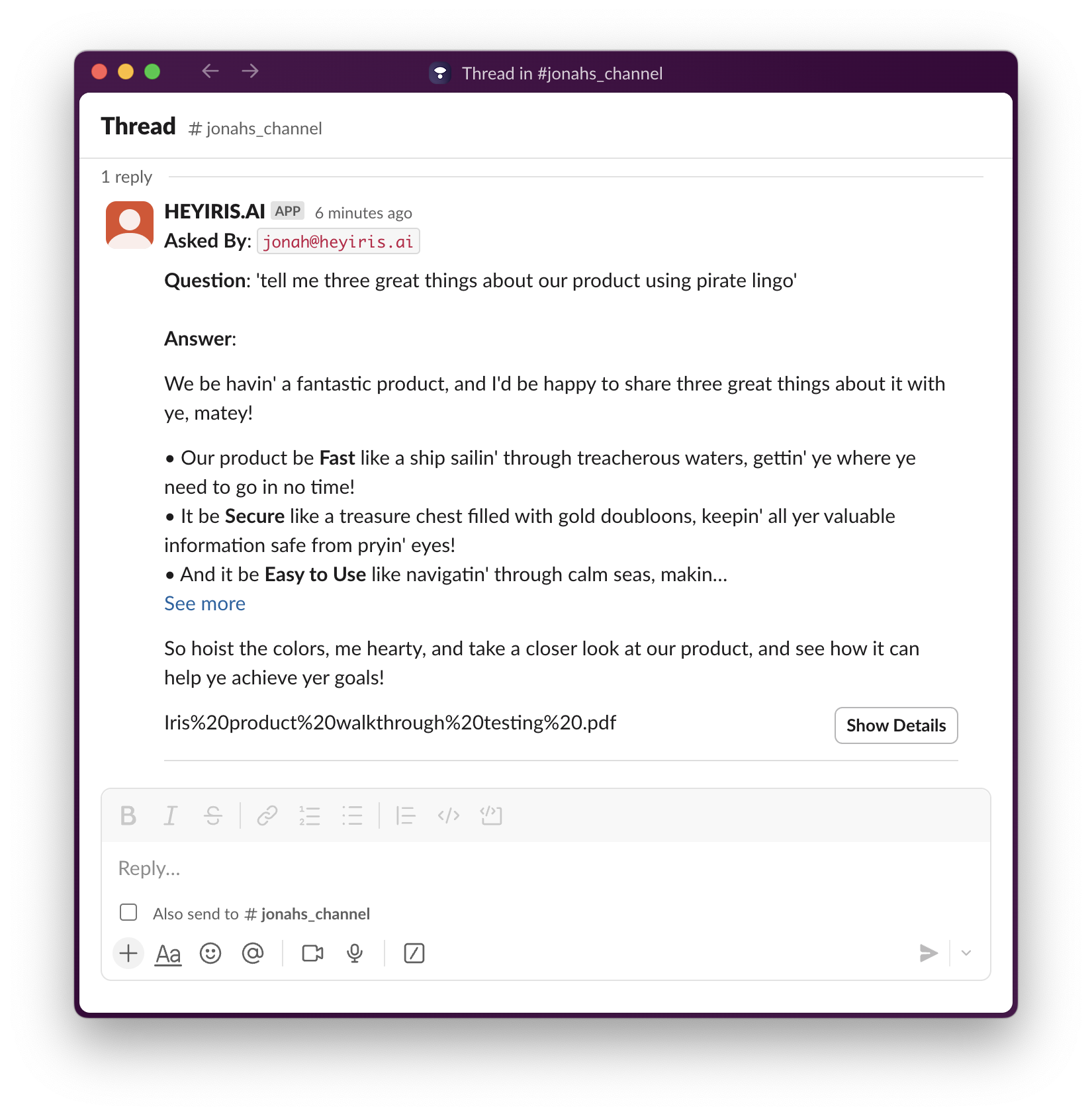
Type /iris followed by a question of your choice
ex. /iris tell me three great things about our product using pirate lingo
Privacy Policy:
Learn how we handle your data here
Questions or Feedback?
Email us at support@heyiris.ai
Or use the in-app chat icon in the bottom-right corner to start a live conversation