Drata
Last updated: October 29, 2025
Integrating Drata and Iris
The Iris Drata Integration allows you to upload documents from Drata directly into your Knowledge Map in Iris.
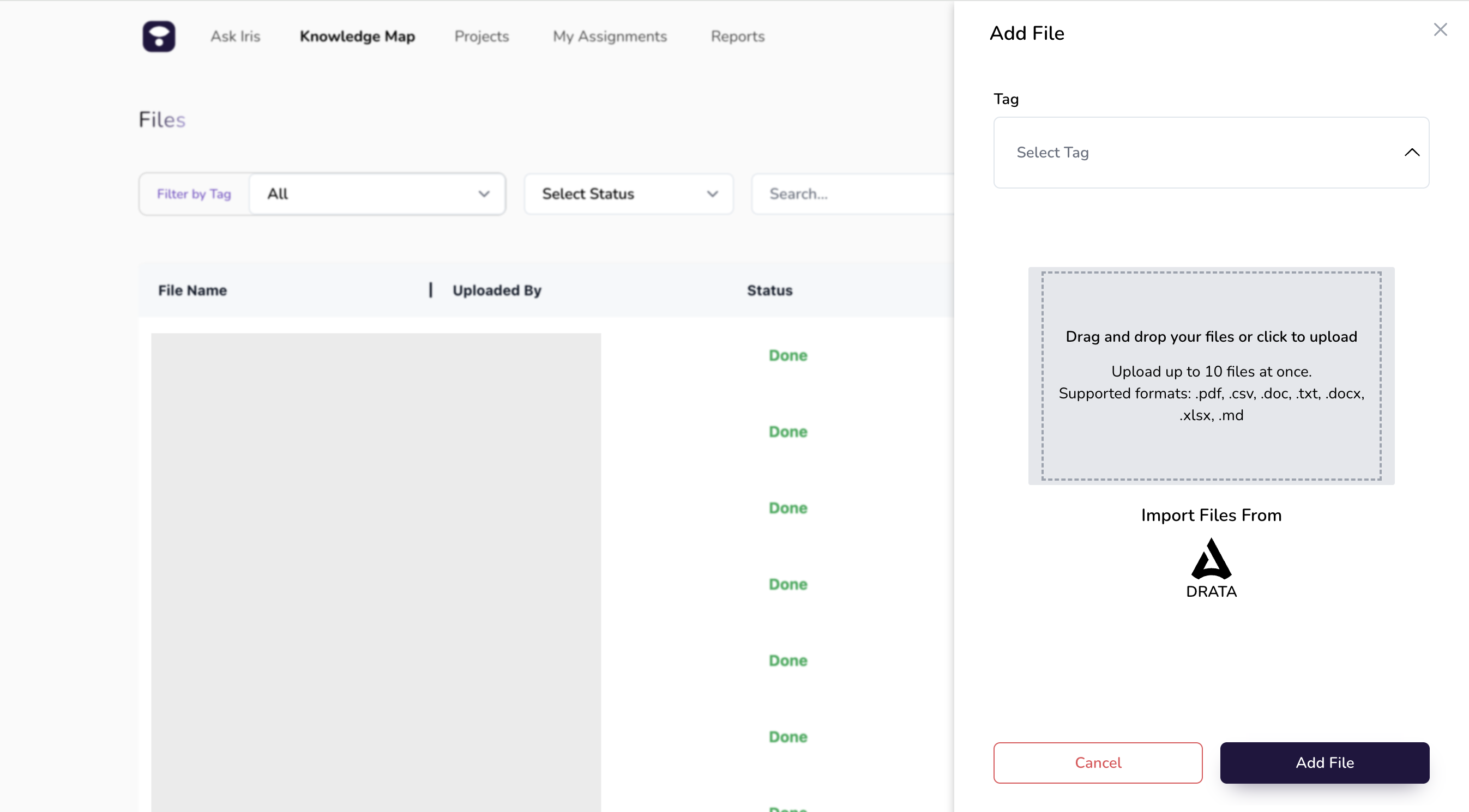
Setting up Drata Integration
Log into Iris: Use your credentials to access your Iris account.
Select Settings from the left-hand menu, then go to the Integrations tab.
Locate the Drata option and select Connect.
Enter your Drata API key
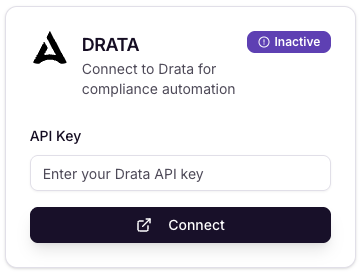
To set up the integration, please reach out to your organization's Iris representative or email support@heyiris.ai.